Roblox Codes System Kit - GUI - RBLX Essentials
Codes System | RBLX Essentials
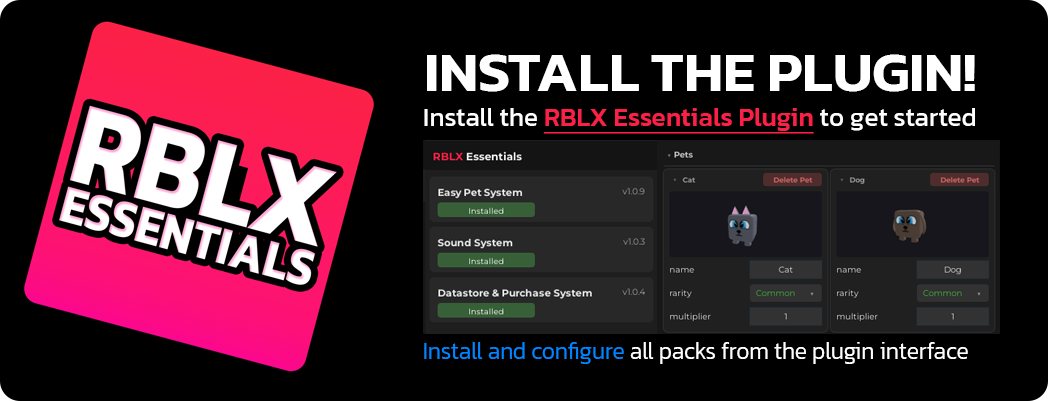
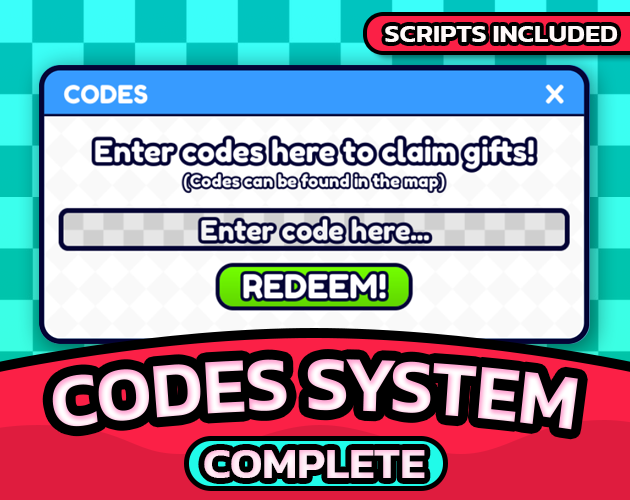
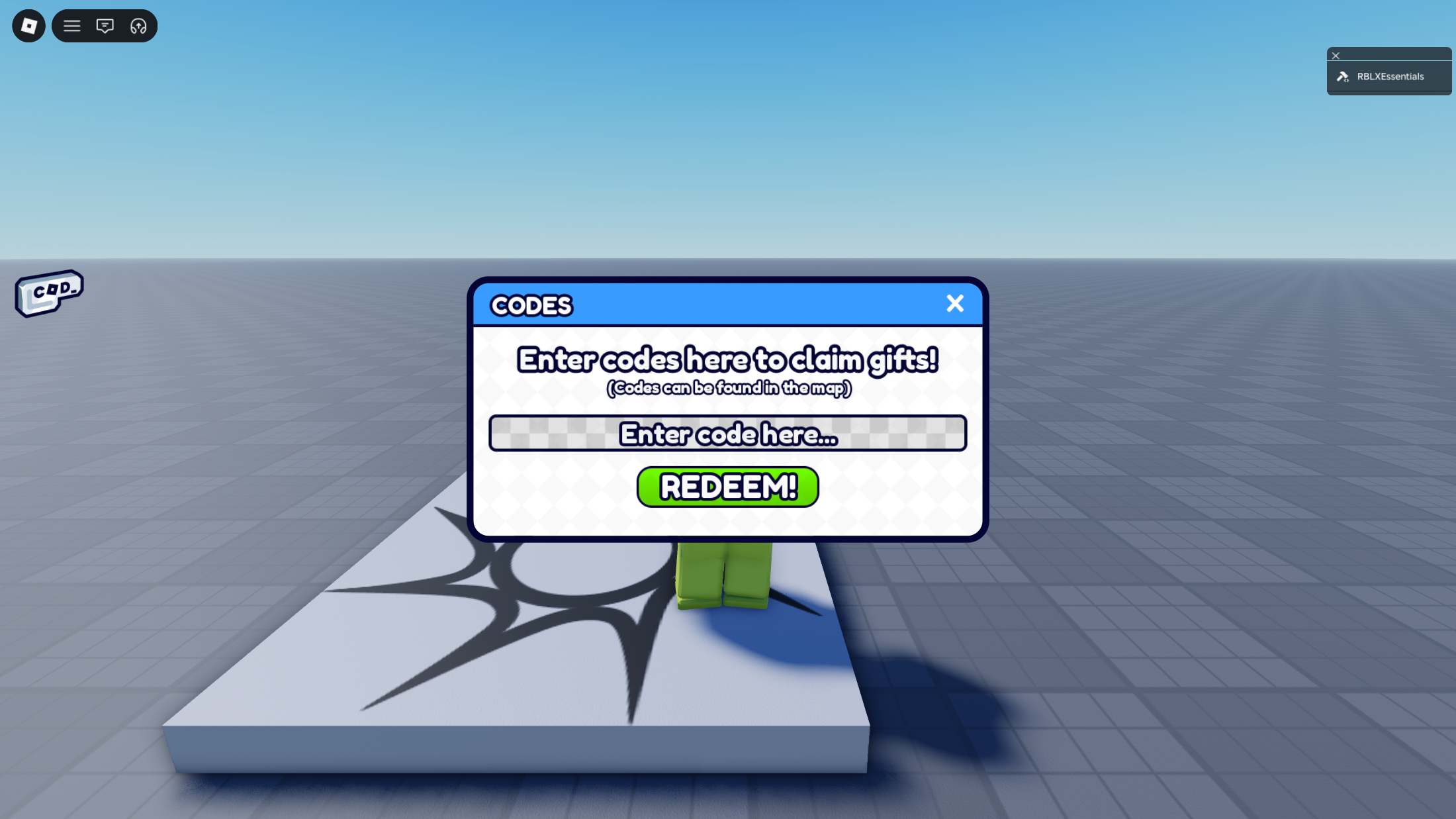
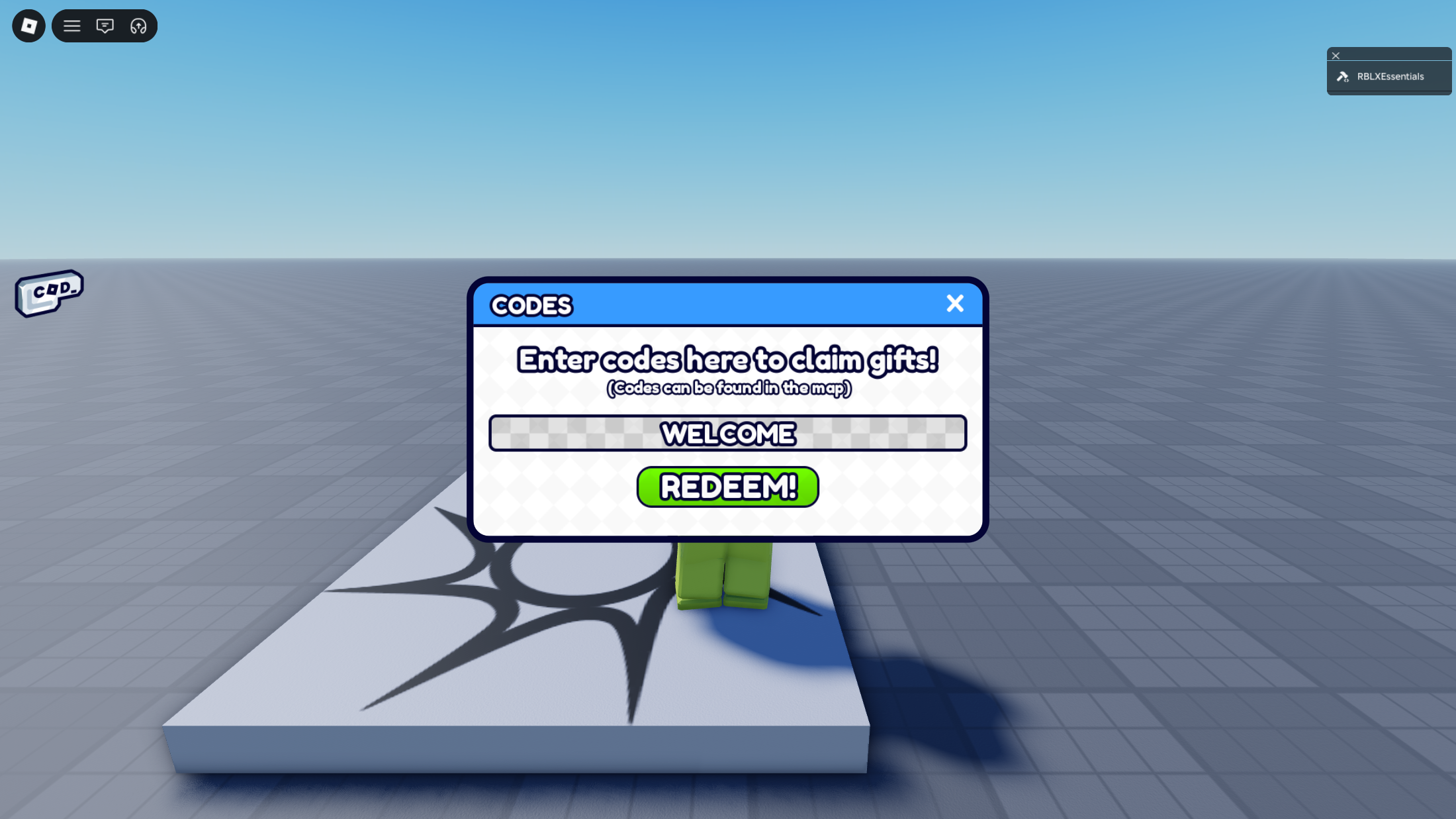
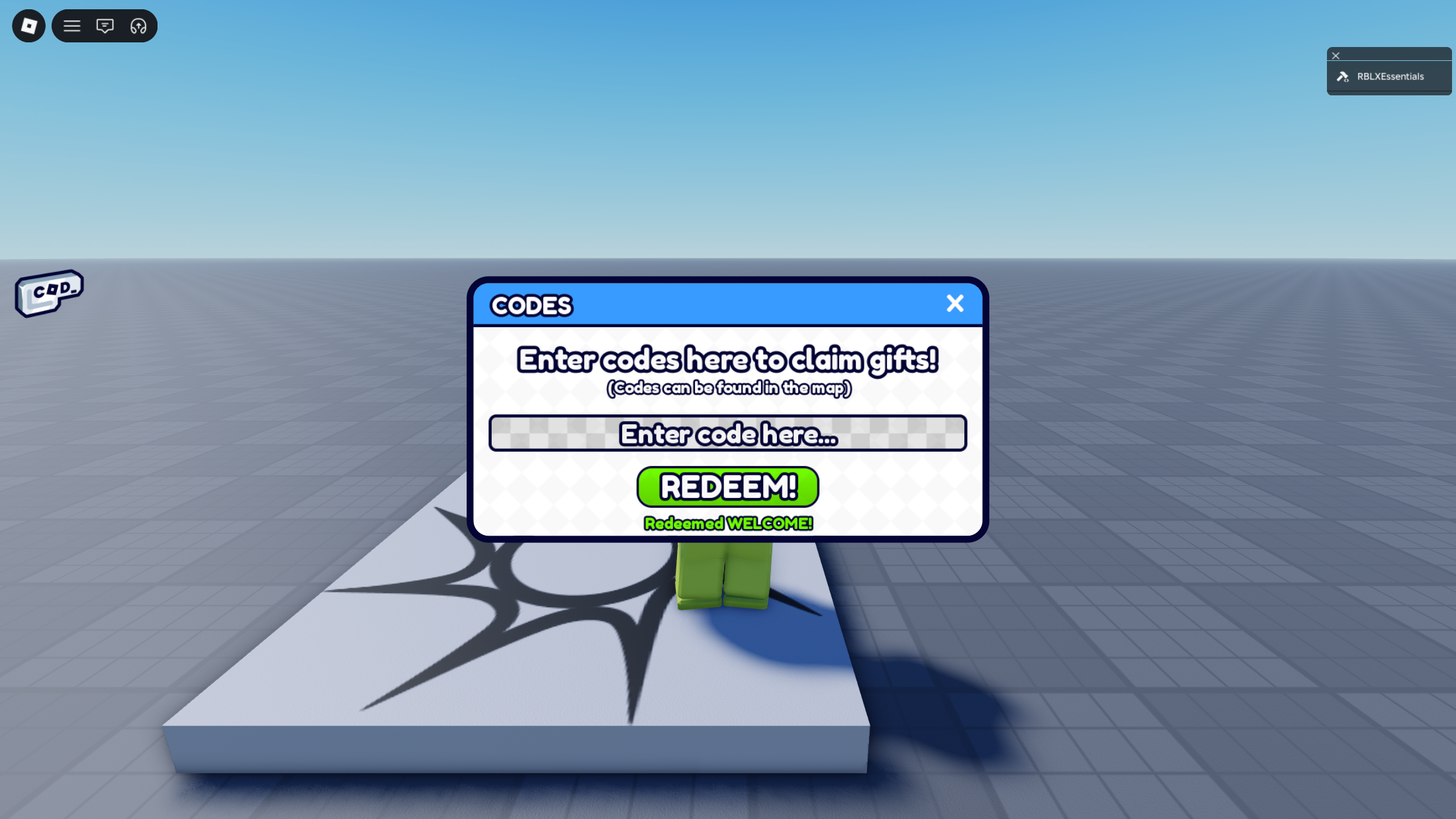
Codes System lets you hand out redeemable codes for a launch, a video or a Discord drop, and lets players claim them from a menu. You write the codes in the RBLX Essentials Plugin. No script editing.
✨ Core Features
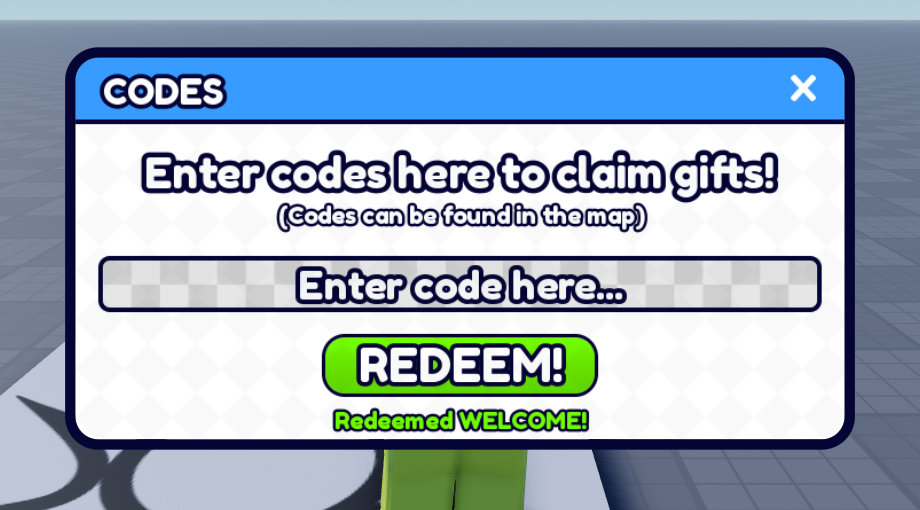
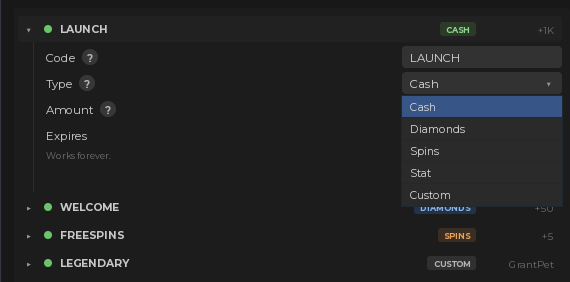
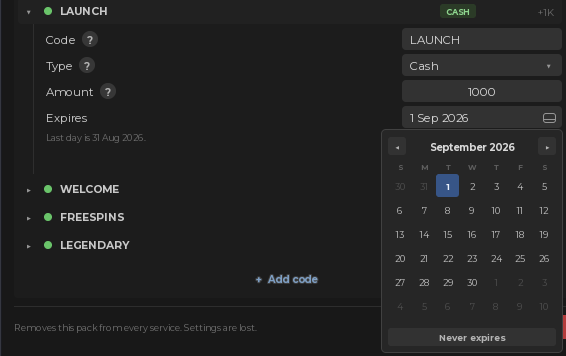
⚙️ Setup
🧩 Developer API
CodesSystem: redeem & hasRedeemed
local codes = ctx.require("CodesSystem")
-- Second return: the reward, or the reason it was refused.
local ok, result = codes.redeem(player, "LAUNCH")
if ok then
-- { Code = "LAUNCH", Type = "Cash", Amount = 1000 }
print(result.Code, result.Type, result.Amount)
else
print(result) -- "AlreadyRedeemed"
end
-- Claimed already? Case and spaces do not matter.
local claimed = codes.hasRedeemed(player, "launch")
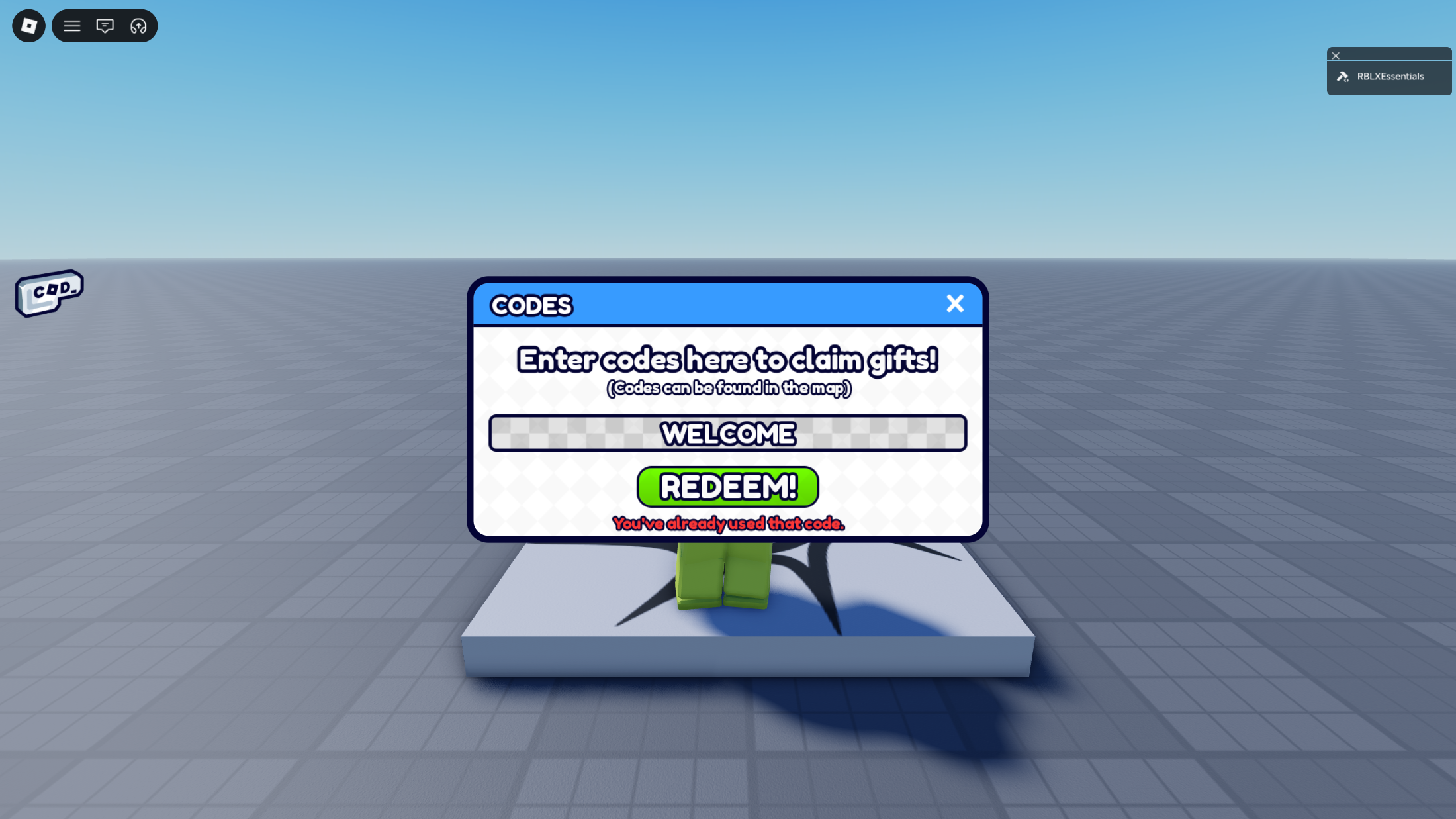
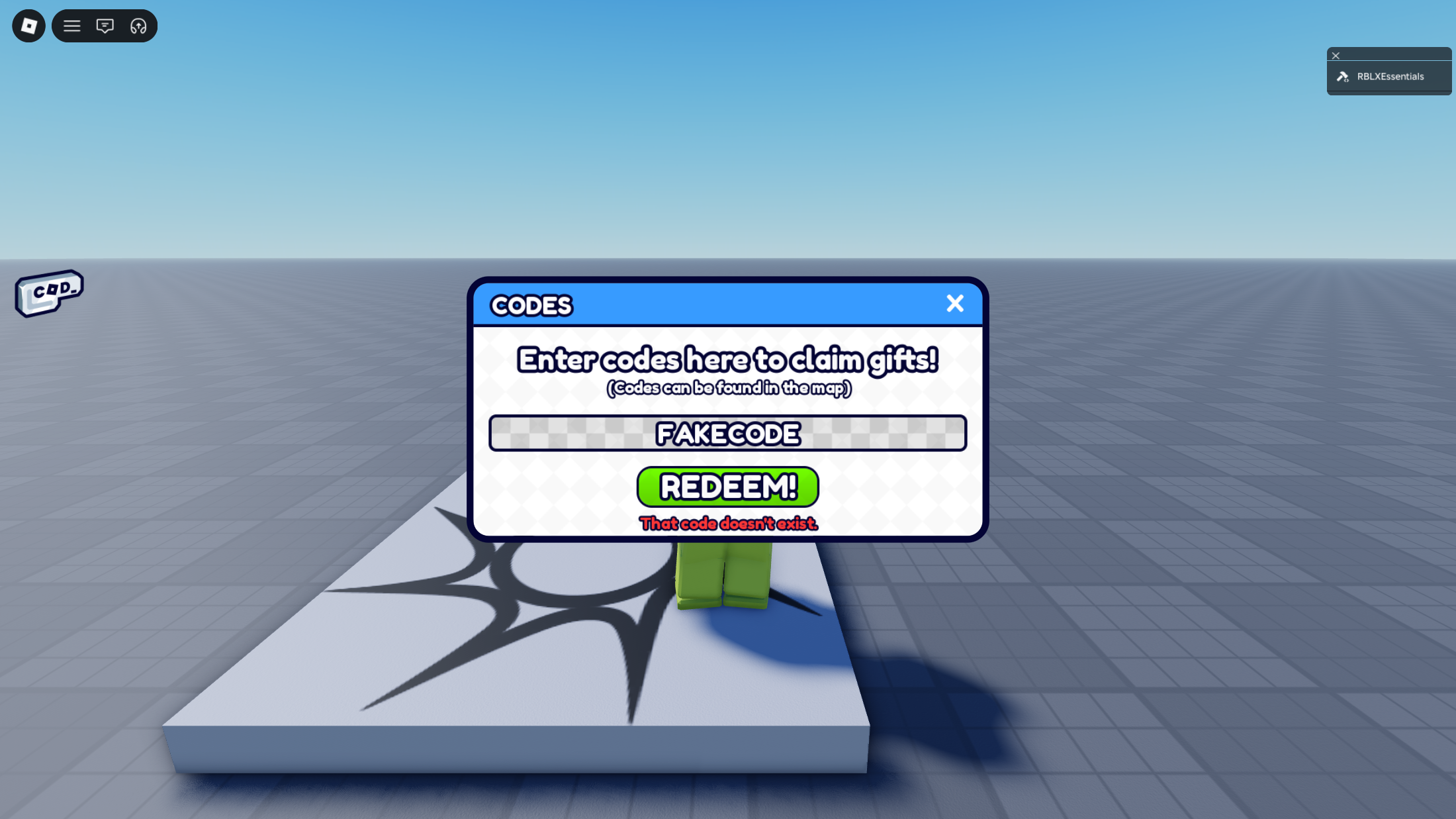
A refusal is one of eight reasons, never a sentence, so the wording on screen stays yours:
- Empty: nothing was typed
- NoSuchCode: no code by that name
- AlreadyRedeemed: this player has claimed it
- Expired: past its date
- CodeDisabled: misconfigured, switched off at startup
- TooFast: too many wrong guesses, throttled
- NoData: the save has not loaded yet
- GrantFailed: the reward itself errored
Redeem RemoteFunction: for your own UI
-- From a LocalScript, if you swap in your own menu
local RS = game:GetService("ReplicatedStorage")
local remotes = RS.RBLXEssentials.Kernel.Remotes.CodesSystem
local reply = remotes.Redeem:InvokeServer("LAUNCH")
if reply.Success then
print(reply.Code, reply.Type, reply.Amount)
else
print(reply.Error) -- one of the eight reasons
end
The server checks every rule again and the throttle lives there, not in the button, so your own menu is exactly as safe as the included one.
🎨 Customisation
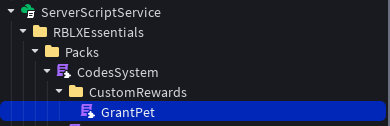
Custom rewards
Redeem messages
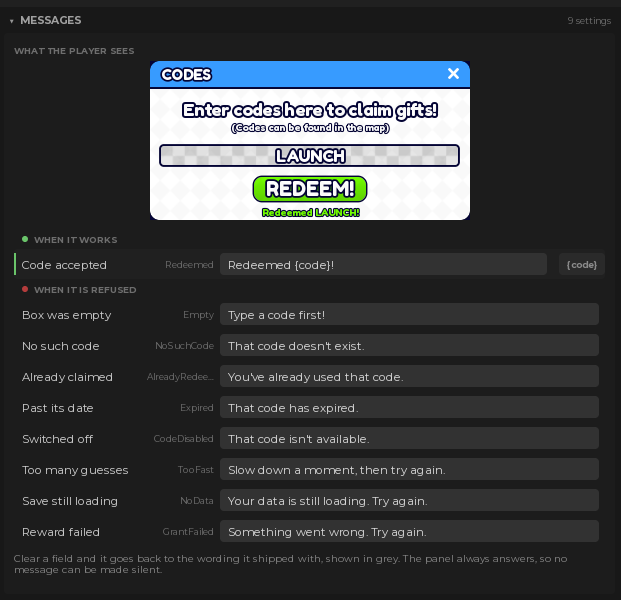 Change what the player is told in each case.
Works with General UI Kit
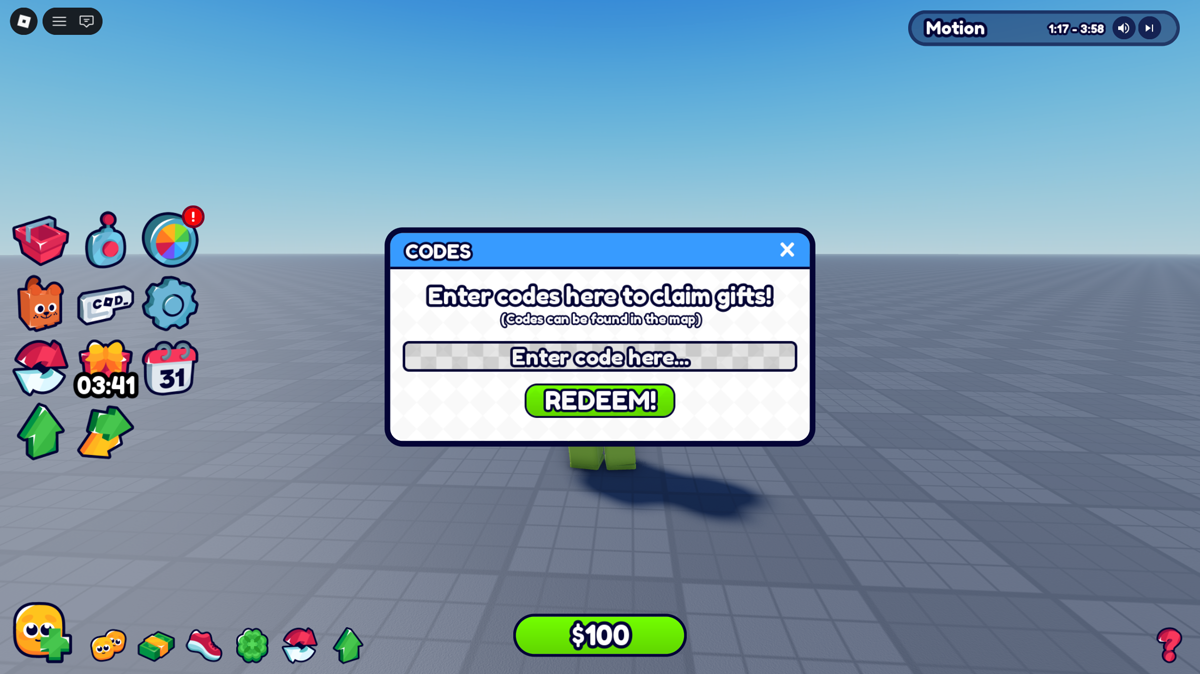 Install both and General UI Kit's Codes menu is the one that runs, styled with the rest of your interface.
Or design the menu yourself
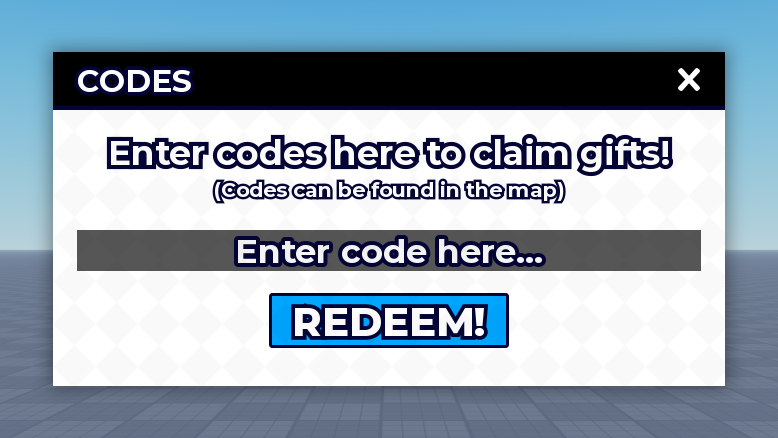 Restyle it however you like. The pack finds the panel's parts by name, not by look.
🔗 Works great with
 Required
 Styling
 Sounds
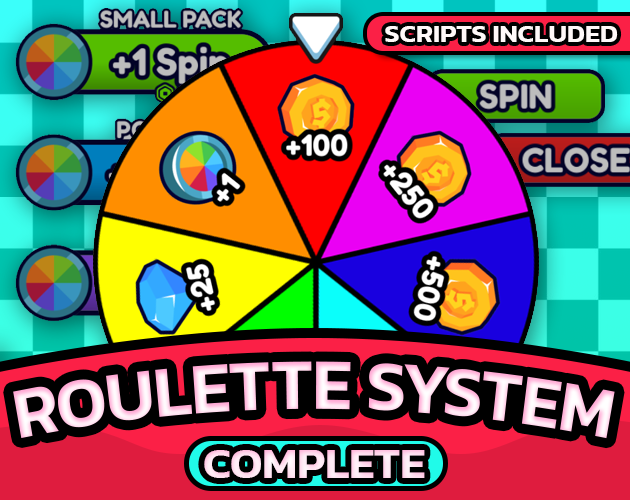 Spins
Spins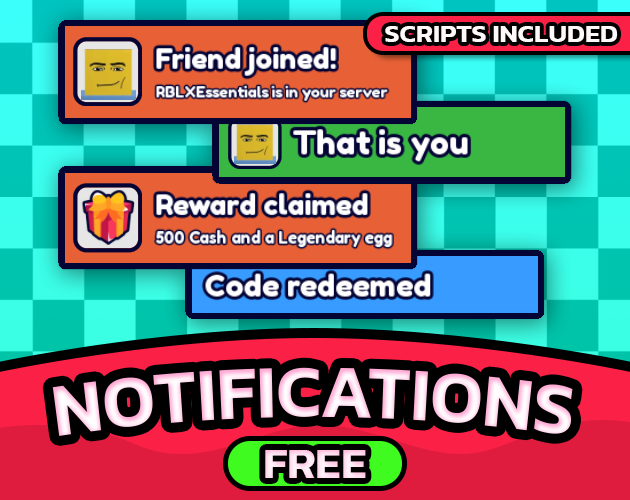 Toasts
Only Datastore & Purchase System is required, because it is what remembers who claimed what. The other four are optional and the pack works without any of them.
📘 Documentation
Every field, the plugin panels and the version history live at rblxessentials.com/docs.
🔄 Updates
📋 Version history and changelogs for all packs are available at rblxessentials.com/docs#changelog.
Created by RBLX Essentials
Purchase
Get this asset pack and 5 more for $34.99 USD
In order to download this asset pack you must purchase it at or above the minimum price of $4.99 USD. You will get access to the following files:
Leave a comment
Log in with itch.io to leave a comment.