Roblox UI Kit - General UI - RBLX Essentials
A downloadable UI Kit
General UI Kit - RBLX Essentials
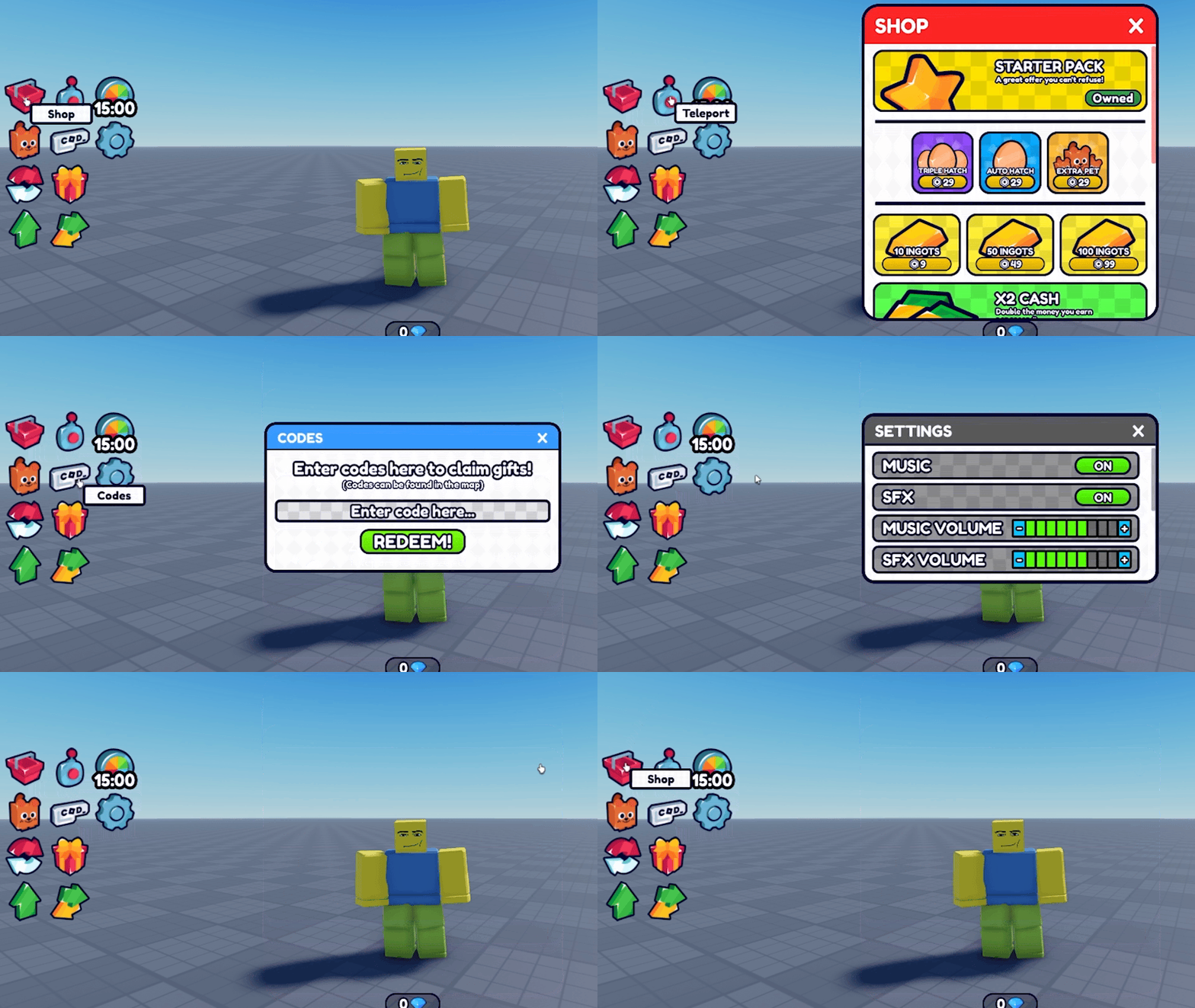
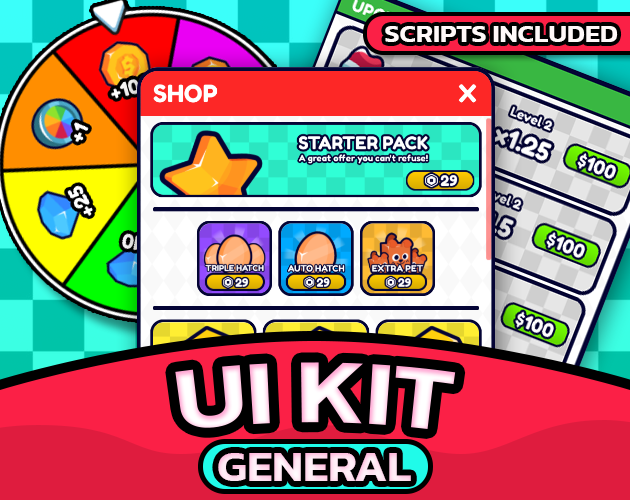
General UI Kit is a plug & play Roblox UI framework.
Tag your elements in Studio, set their attributes, and everything works automatically. No hardcoded paths. No script editing required.
✨ Core Features
🏷️ Tag-based architecture
No hardcoded names. No fragile paths.UI behaviour is declared through CollectionService tags and Instance Attributes. Tag a Frame as UI_Panel, set a PanelId, and it works automatically.
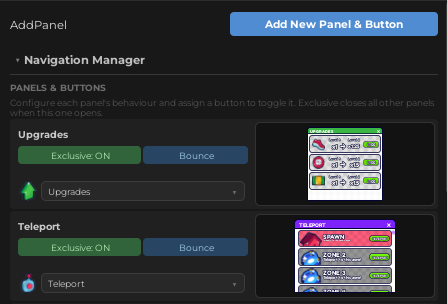
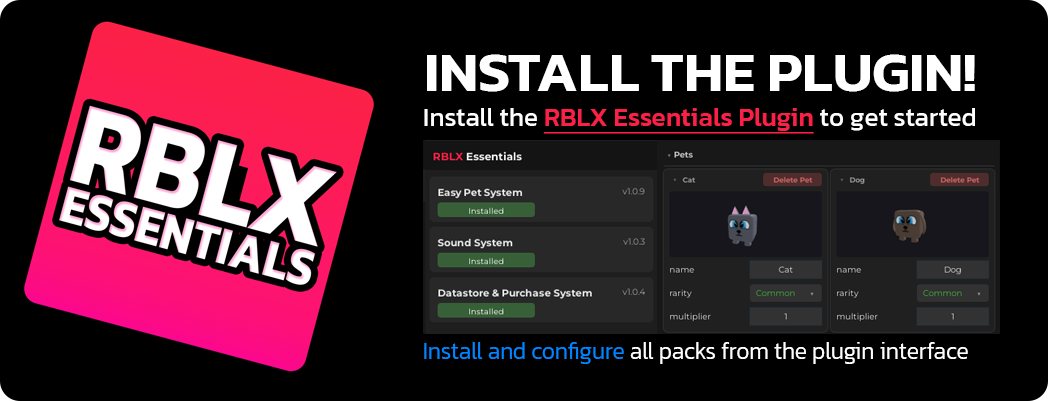
You don't need to tag elements by hand. The RBLX Essentials Plugin lets you configure tags and attributes directly from a visual panel in Studio.
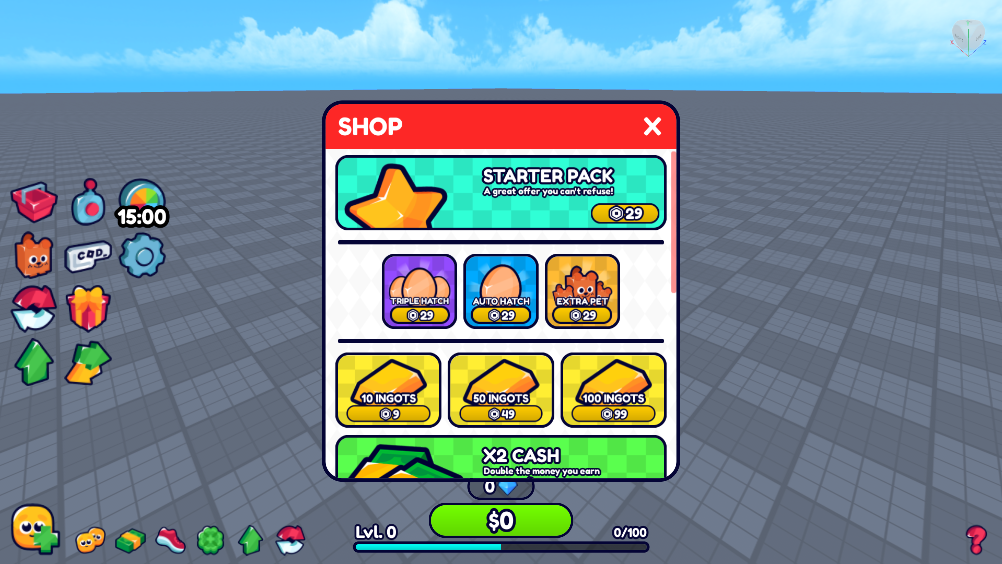
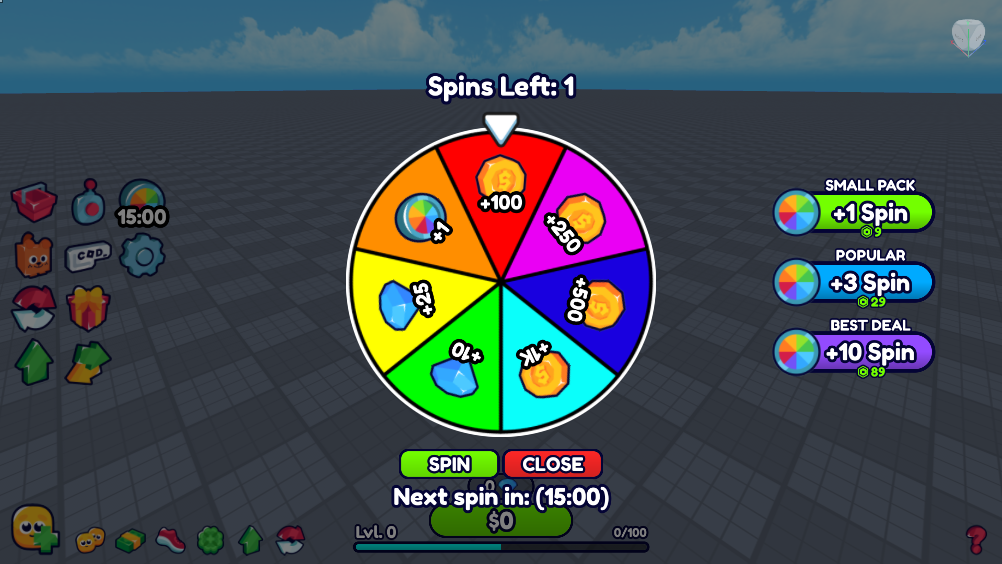
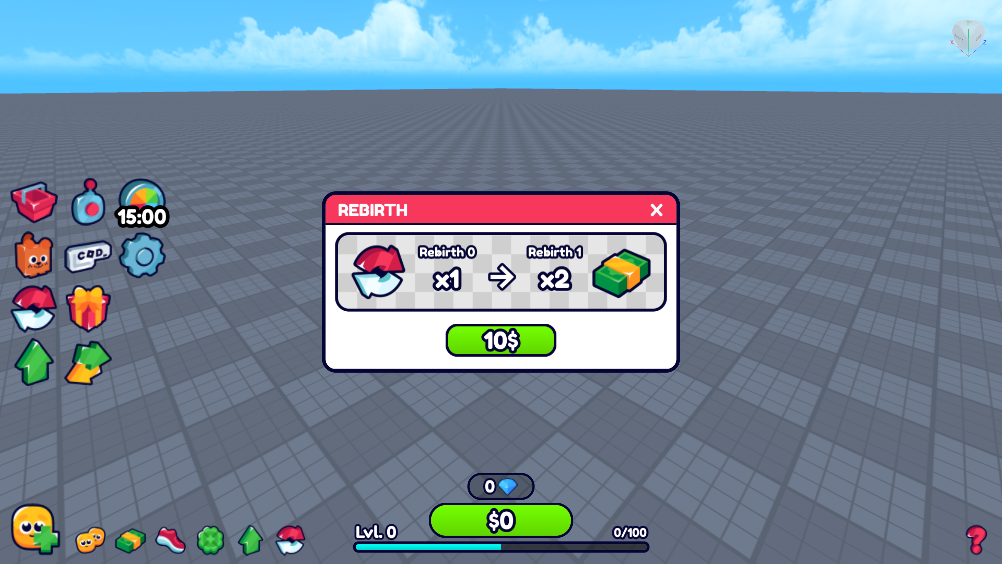
📋 Panel system
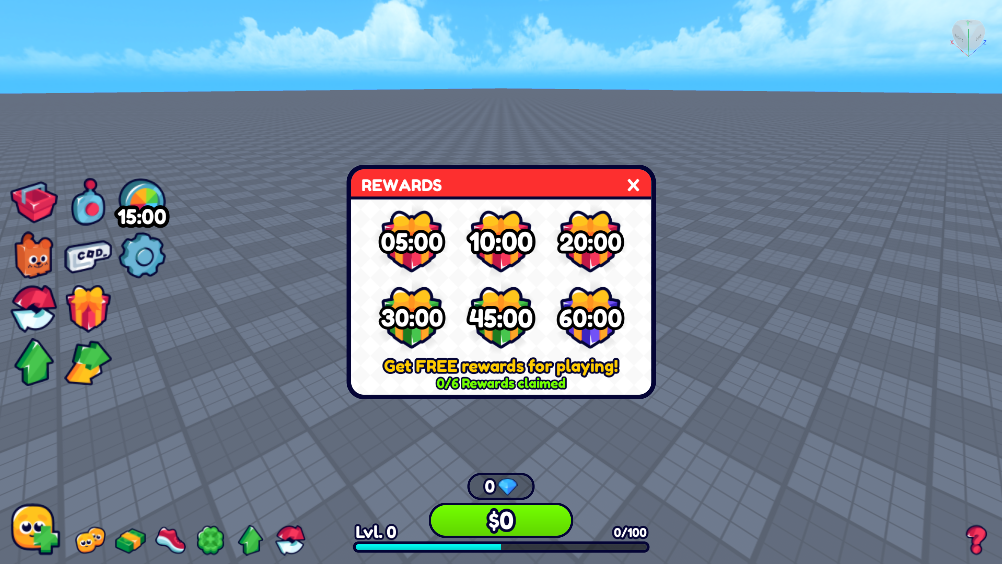
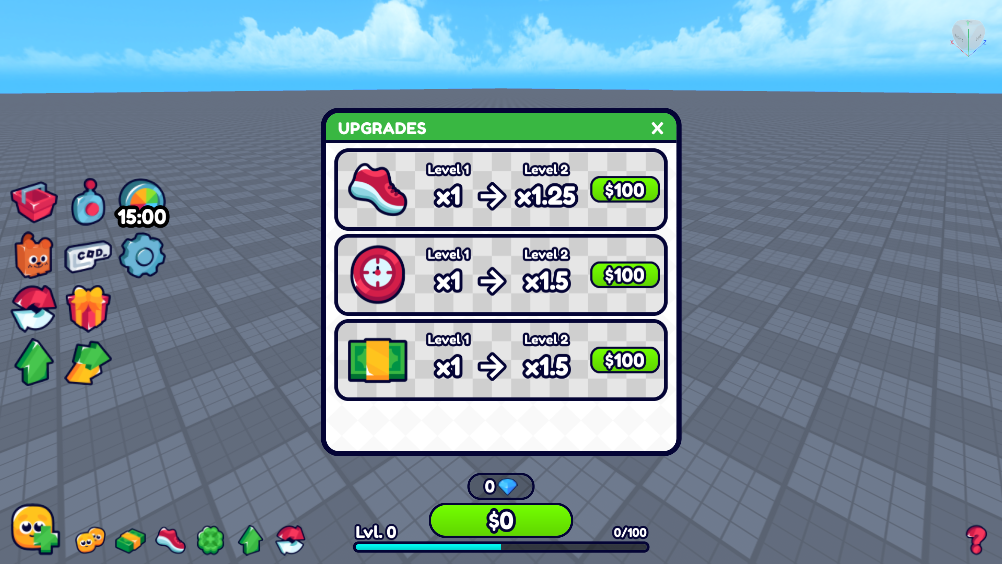
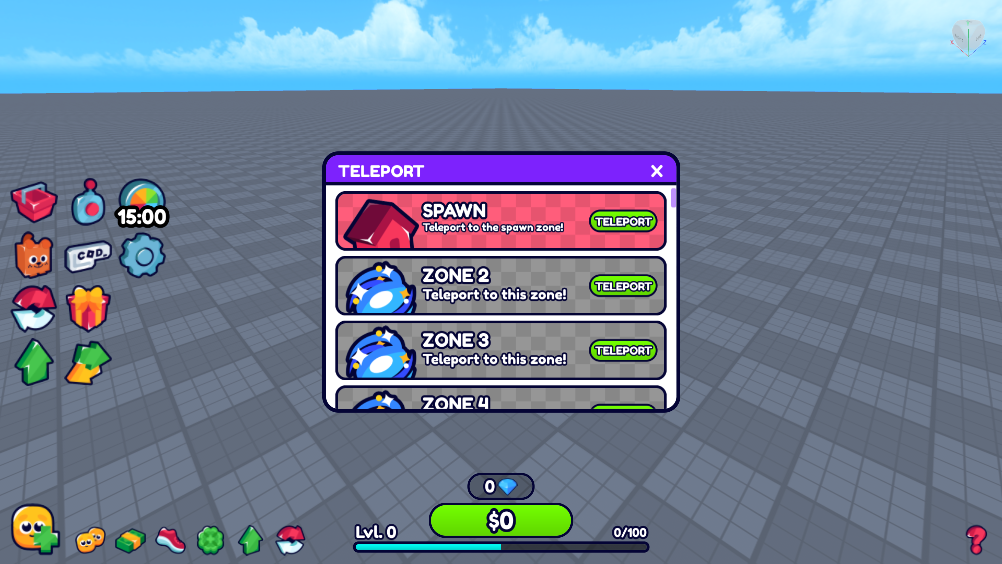
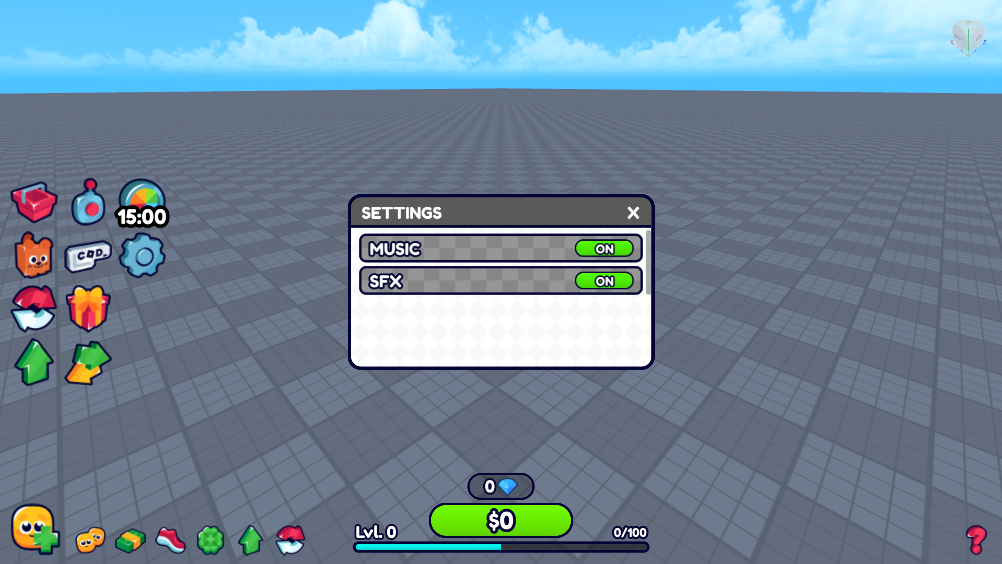
Opening a panel automatically closes any other open panel.Smooth open/close animations included out of the box: Bounce, SpinReveal, and more.
🖱️ Interactive buttons
Buttons scale on hover, show a cursor-following tooltip, and play a sound on press.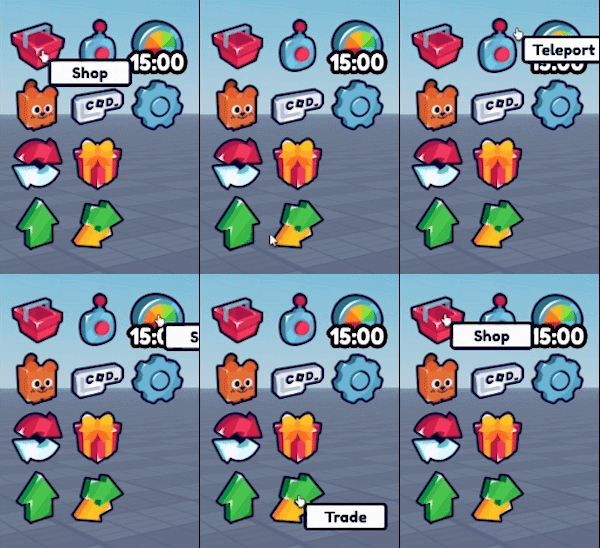
All configured through attributes. No code needed.
🔊 Automatic sound feedback
Every interaction plays the appropriate SFX automatically when Sound System is installed.No manual wiring required.
✨ Decorative animations
Tag any UI element as UI_Animated and set it to Rotate or HoverBob.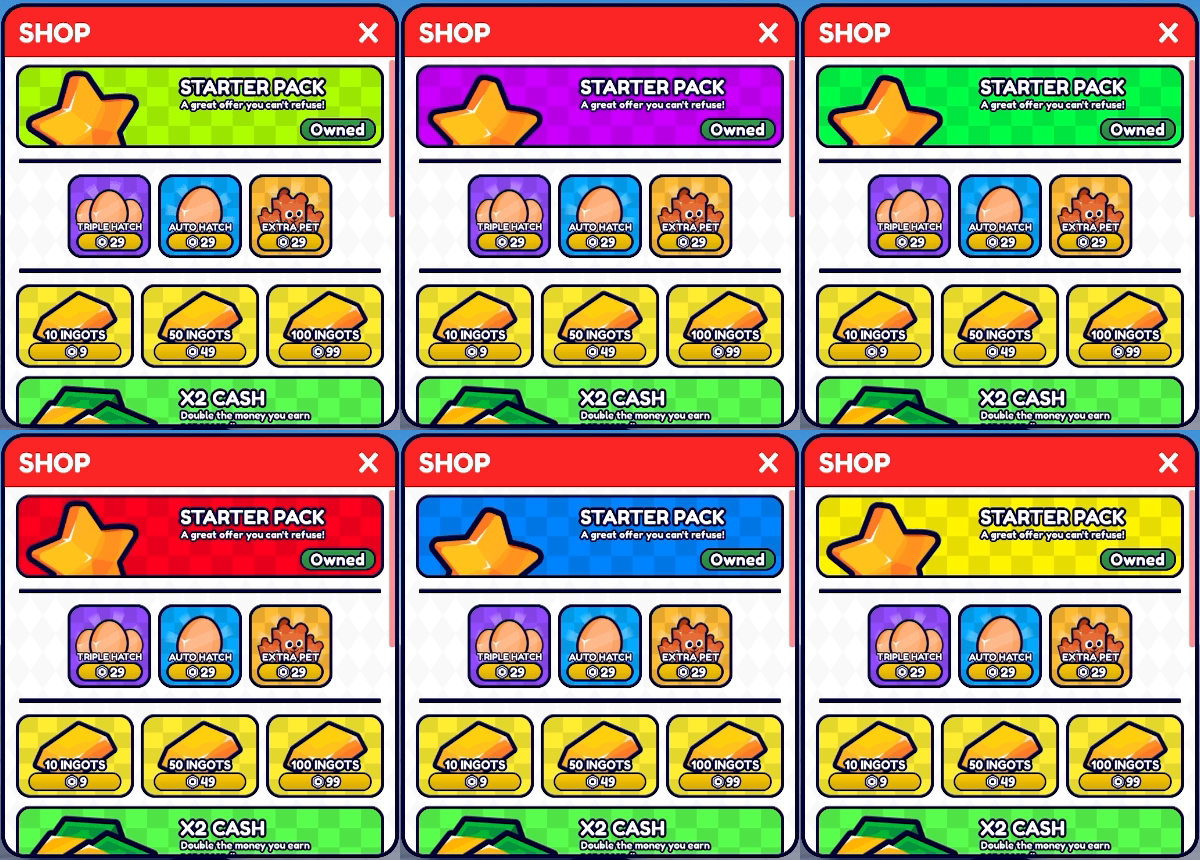
Speed is configurable per element.
💬 Effect icons & tooltips
Display buff or game effect icons with automatic hover tooltips.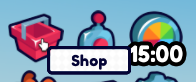
Fully configurable through attributes.
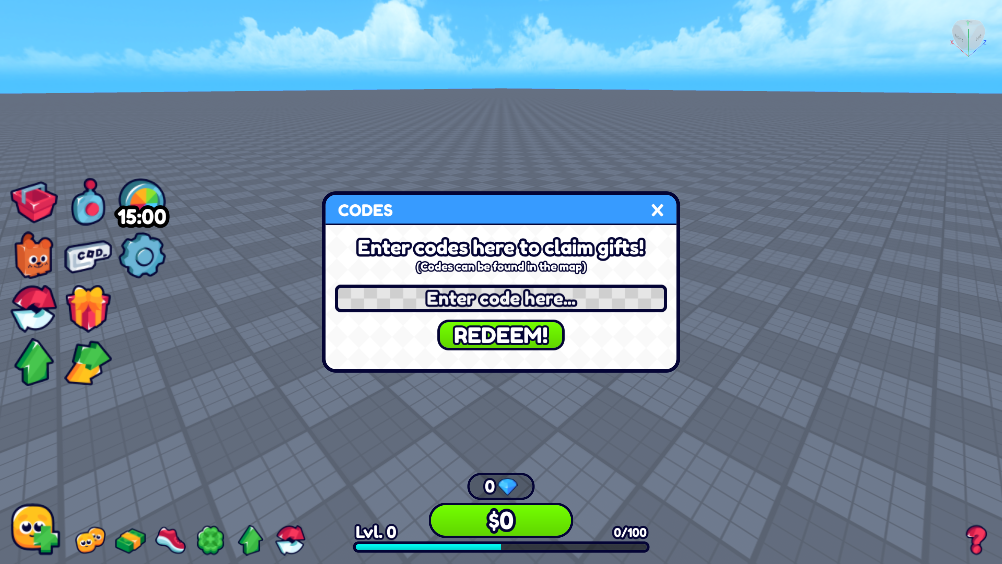
⌨️ TextBox typing sounds
Tag any TextBox as UI_TypeSound to play a typing sound on each character input.🧩 Modular codebase
Documented and production-ready.Connections are cleaned up automatically on respawn and reload.
⚙️ Setup
1. Install the RBLX Essentials Plugin into Roblox Studio
2. Drag the .rbxm file to the workspace.
3. In the plugin, install the packs
4. Tag your UI elements in Studio and set their attributes
Press Play, it just works.
📘 Full documentation, setup guide, API reference, and configuration details are available at rblxessentials.com/docs.
🧩 Developer API
GUIBridge: register custom button handlers
Handle any button action from a LocalScript. Call this after the GUI loads.<span style="color:#cba6f7;">local</span> GUIBridge = <span style="color:#89b4fa;">require</span>(ReplicatedStorage.RBLXEssentials.EcosystemCore.GUIBridge)
GUIBridge.<span style="color:#89dceb;">registerHandlers</span>({
OpenShop = <span style="color:#cba6f7;">function</span>(button)
GUIBridge.<span style="color:#89dceb;">getPanel</span>(<span style="color:#a6e3a1;">"Shop"</span>).Visible = <span style="color:#fab387;">true</span>
<span style="color:#cba6f7;">end</span>,
BuyItem = <span style="color:#cba6f7;">function</span>(button)
<span style="color:#cba6f7;">local</span> productId = button:<span style="color:#89dceb;">GetAttribute</span>(<span style="color:#a6e3a1;">"ProductId"</span>)
game:<span style="color:#89dceb;">GetService</span>(<span style="color:#a6e3a1;">"MarketplaceService"</span>):<span style="color:#89dceb;">PromptProductPurchase</span>(
game.Players.LocalPlayer, productId
)
<span style="color:#cba6f7;">end</span>,
})Built-in actions (no handler needed)
These are handled by GUIManager automatically. Just set the Action attribute on a button.TogglePanel: toggles the panel named in the TargetPanel attribute.
ClosePanel: closes the panel named in the TargetPanel attribute.
🎨 Customisation
Custom panel animations
Set the Animation attribute on any UI_Panel to Bounce or SpinReveal, or add your own animation preset.Custom button actions
Register any action name with GUIBridge.registerHandlers and assign it as an attribute on any button. No script path changes needed.New UI elements
Tag any element in Studio, configure its attributes, and GUIManager picks it up automatically at runtime.🔗 Works great with
Sound System: Button clicks, hover effects, and TextBox typing sounds play automatically when Sound System is installed alongside General UI Kit.
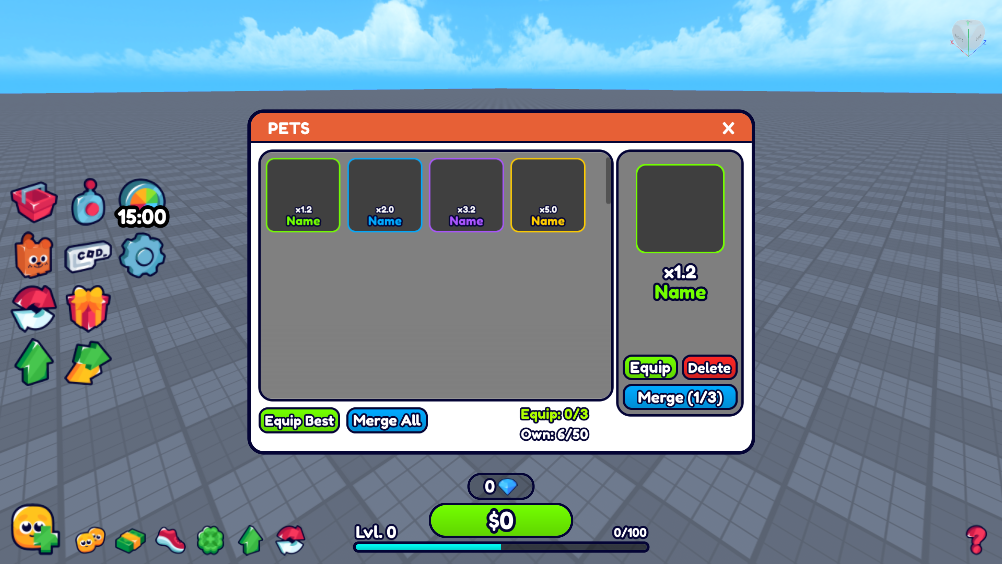
Easy Pet System: Easy Pet System uses General UI Kit for its Pets menu, hatch screen, and all in-game HUD panels.
🔄 Updates
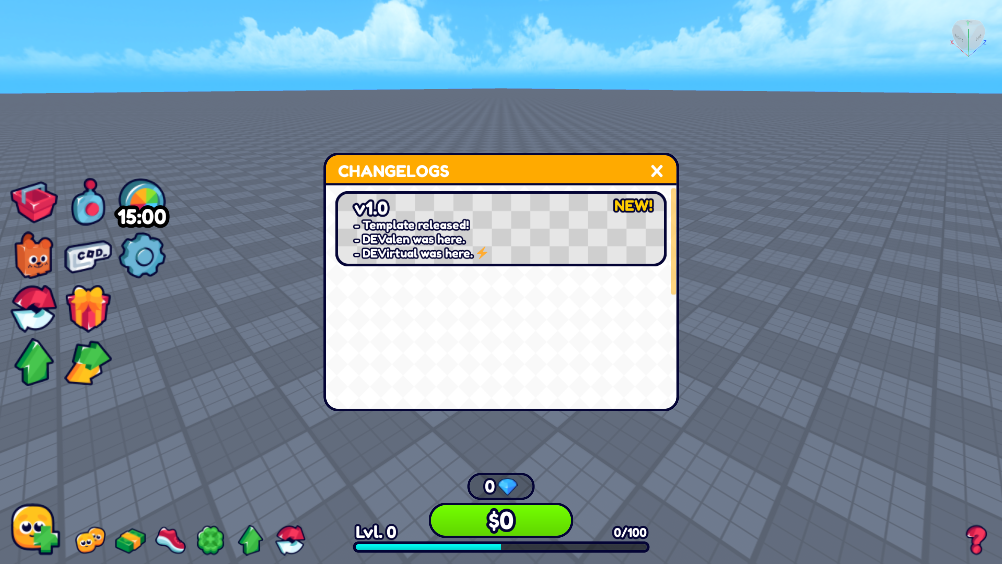
📋 Version history and changelogs for all packs are available at rblxessentials.com/docs#changelog.
Created by RBLX Essentials
Purchase
In order to download this UI Kit you must purchase it at or above the minimum price of $12.99 USD. You will get access to the following files:
Leave a comment
Log in with itch.io to leave a comment.